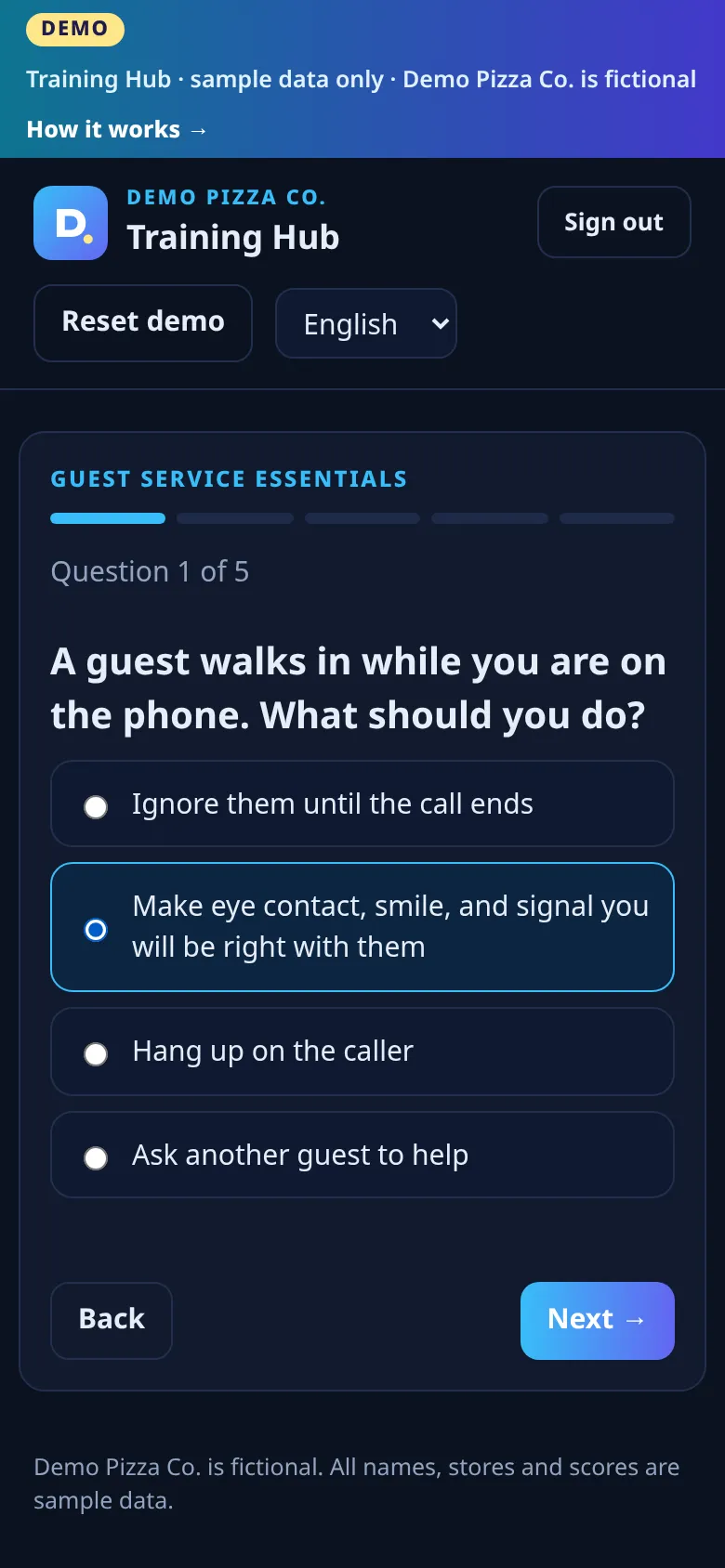
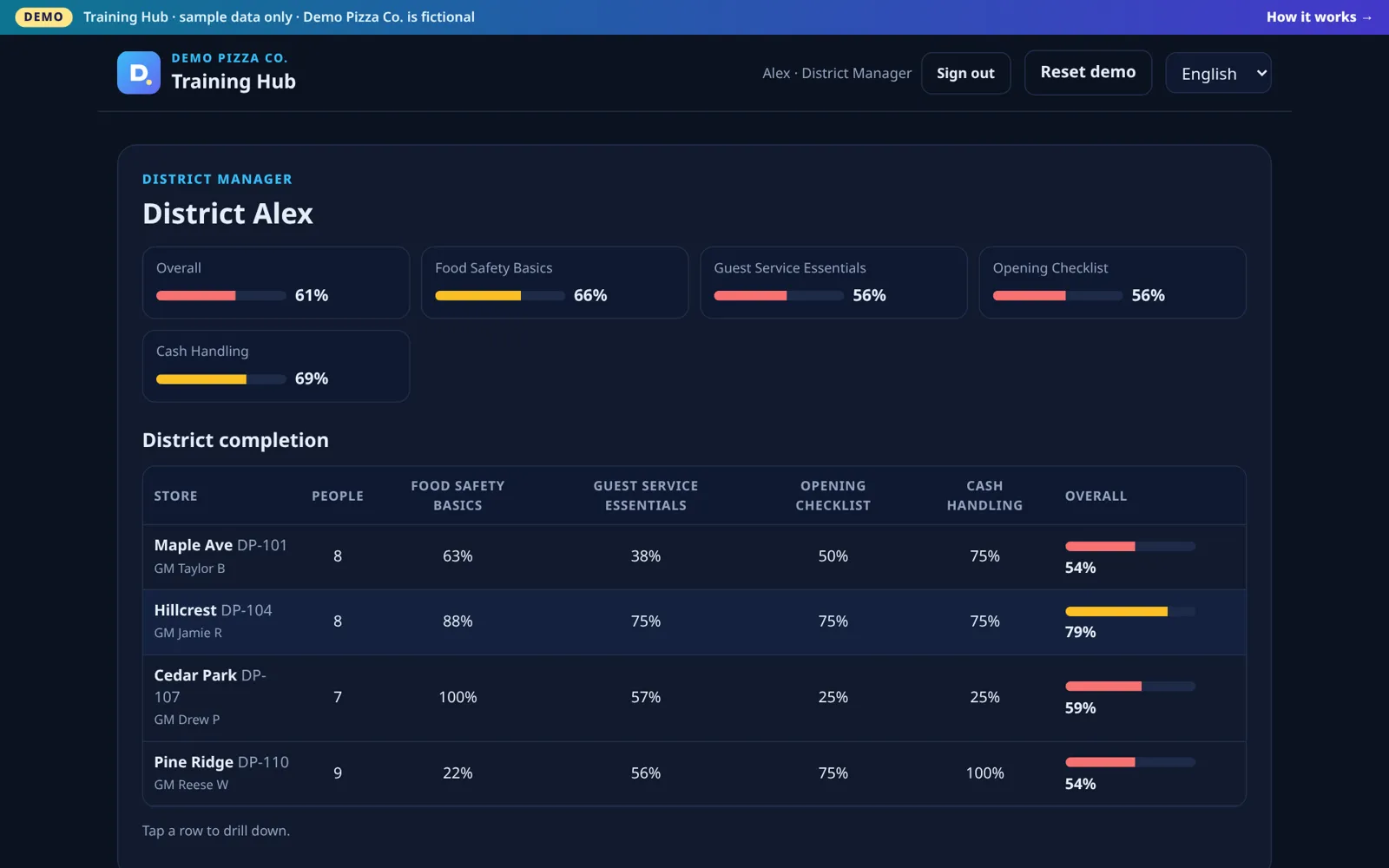
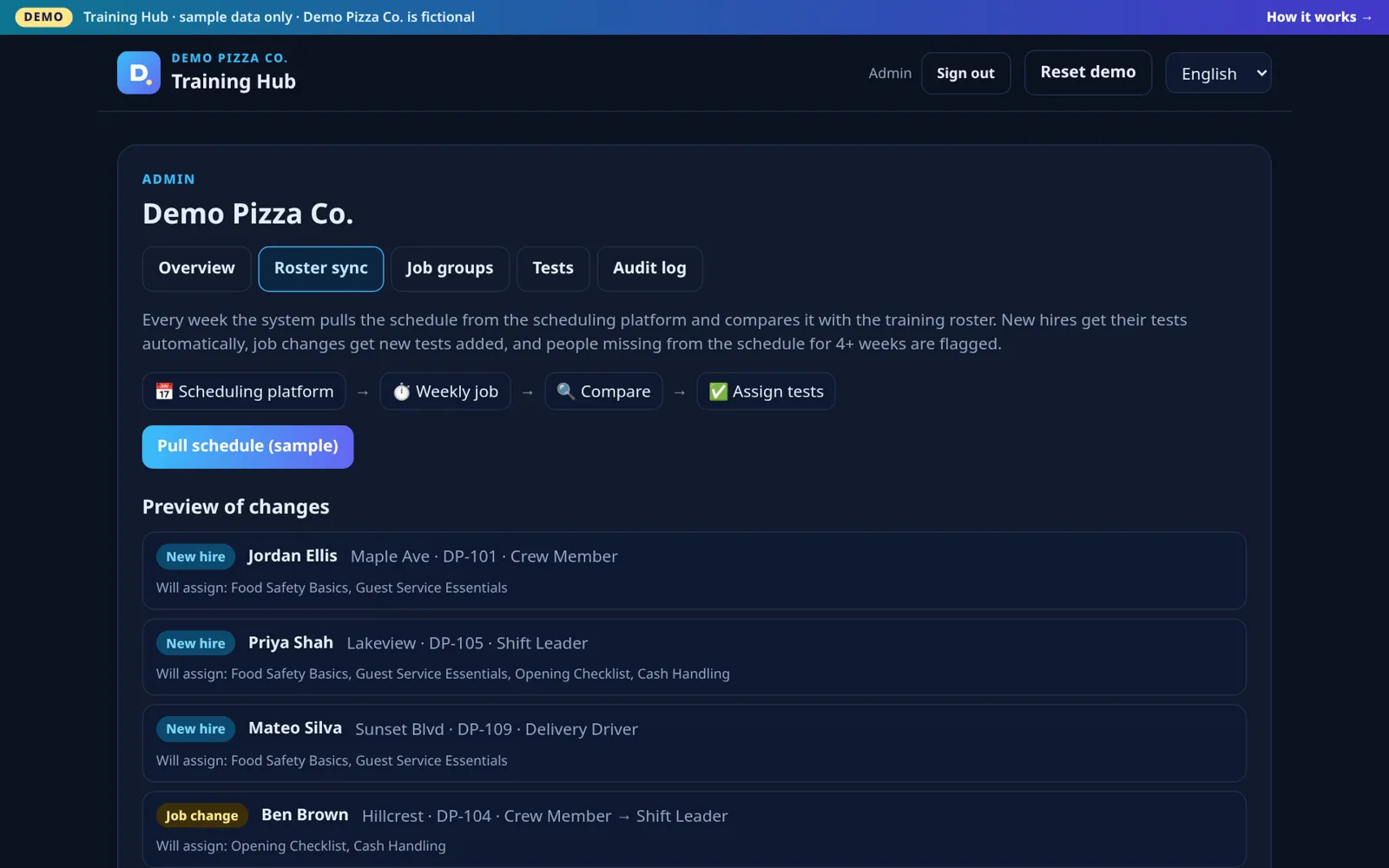
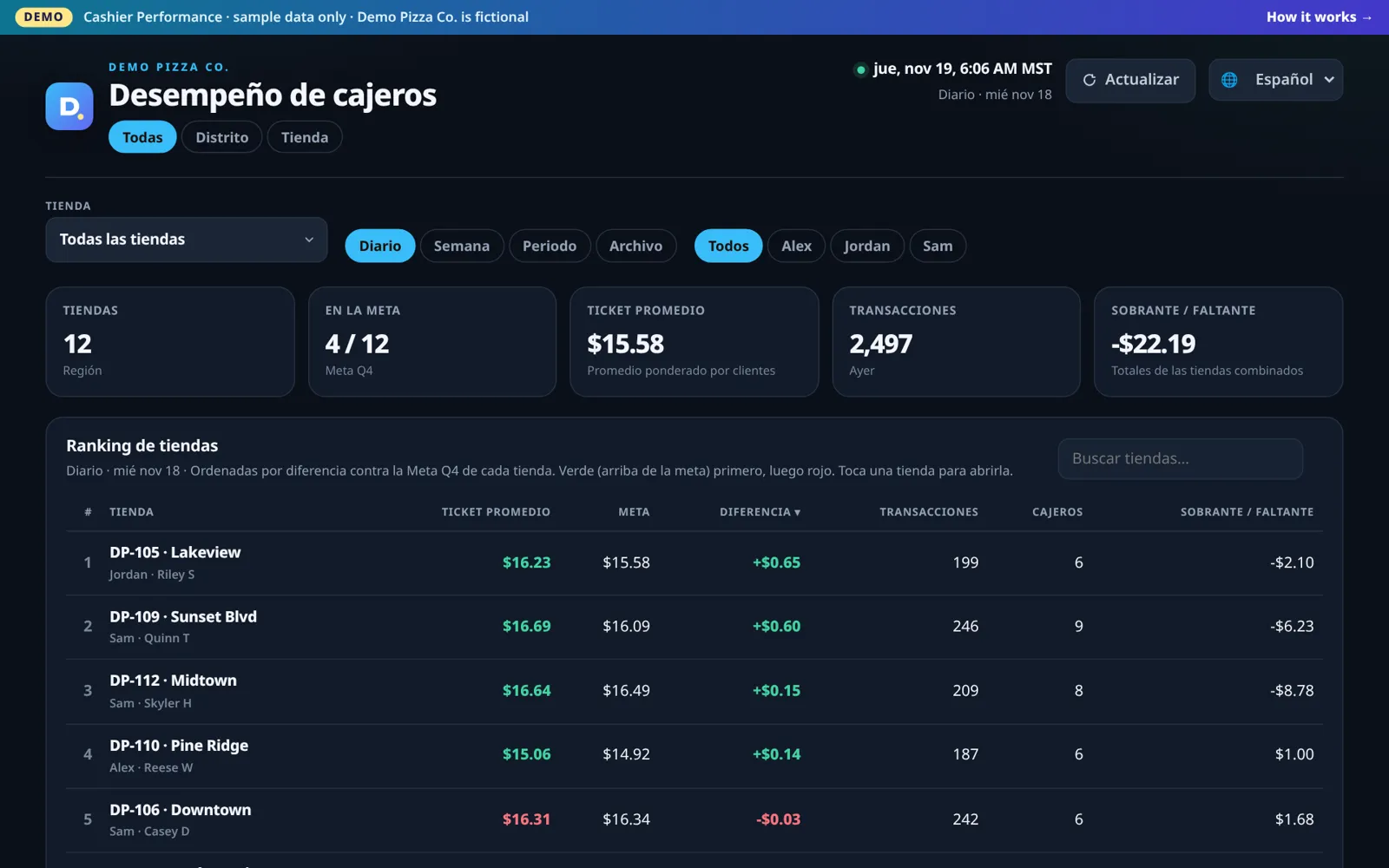
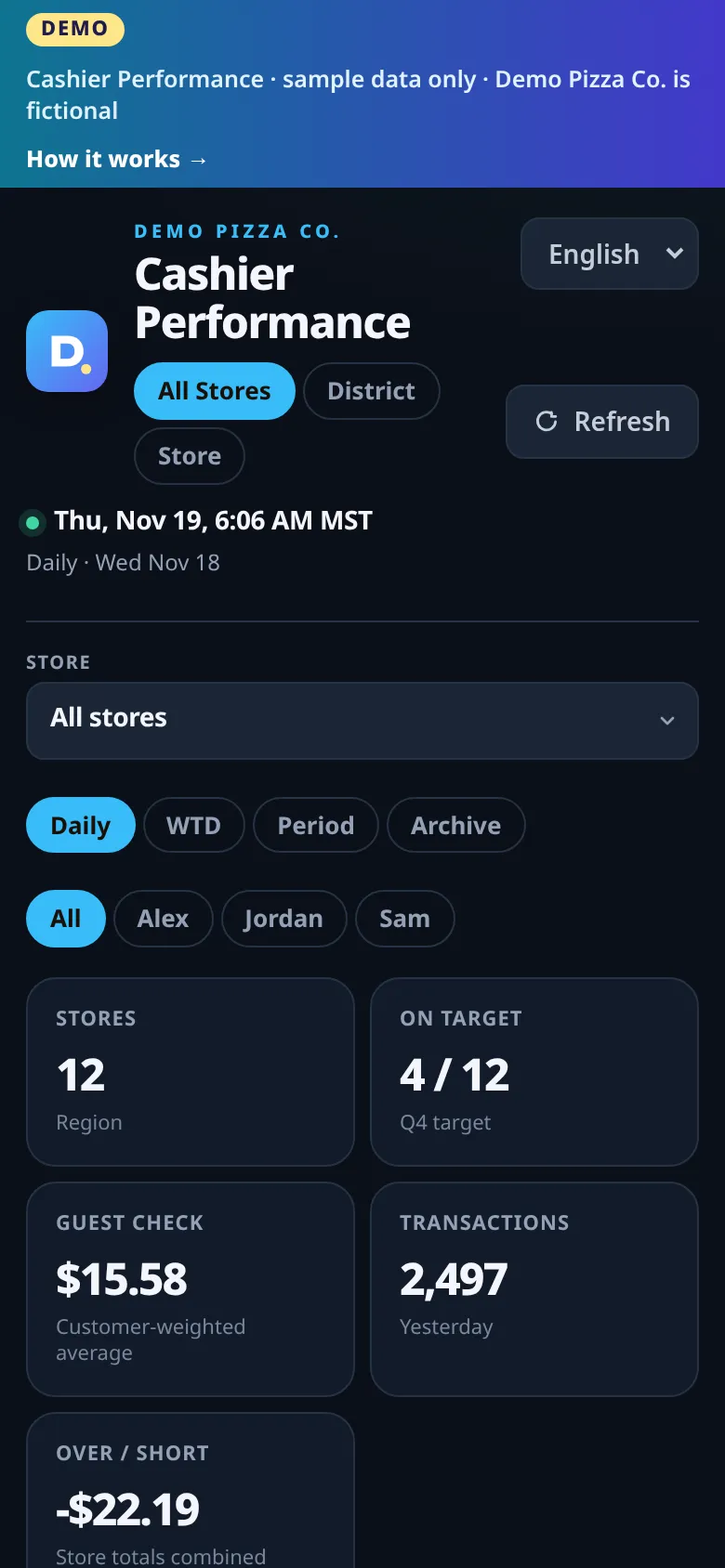
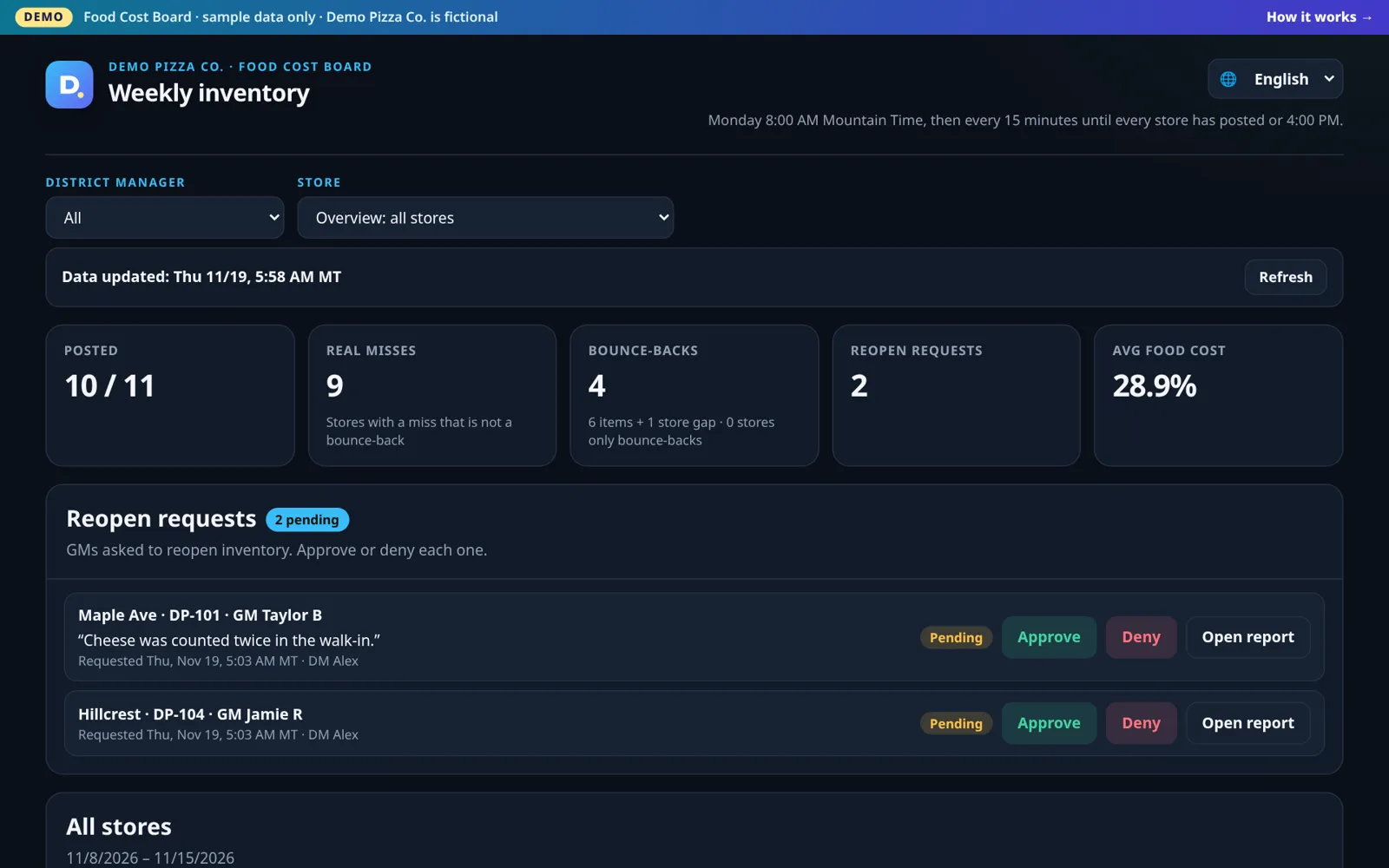
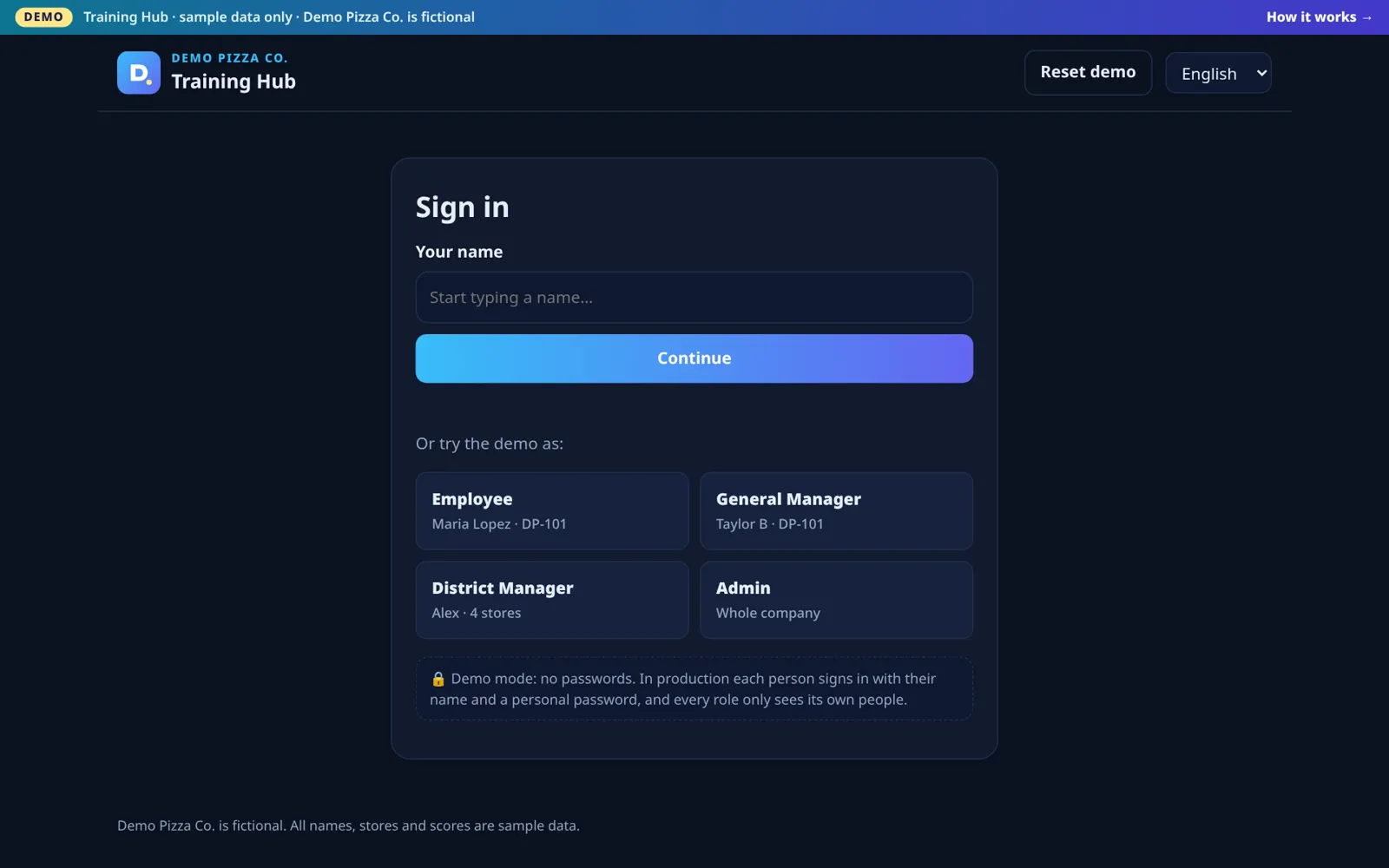
Three small web apps first built for a multi-unit pizza franchise operator: staff training and certification, cashier performance, and a weekly food cost review. They pull data on a schedule from the systems you already use, work in English and Spanish, open on any phone, and run on low-cost serverless hosting.


The numbers exist, but they live in different systems, arrive in different formats and take time to put together. District managers end up chasing spreadsheets instead of coaching stores.
Binders and one-off quizzes. No one knows who is certified, who is new, or who changed jobs, and Spanish-speaking crew are often left out.
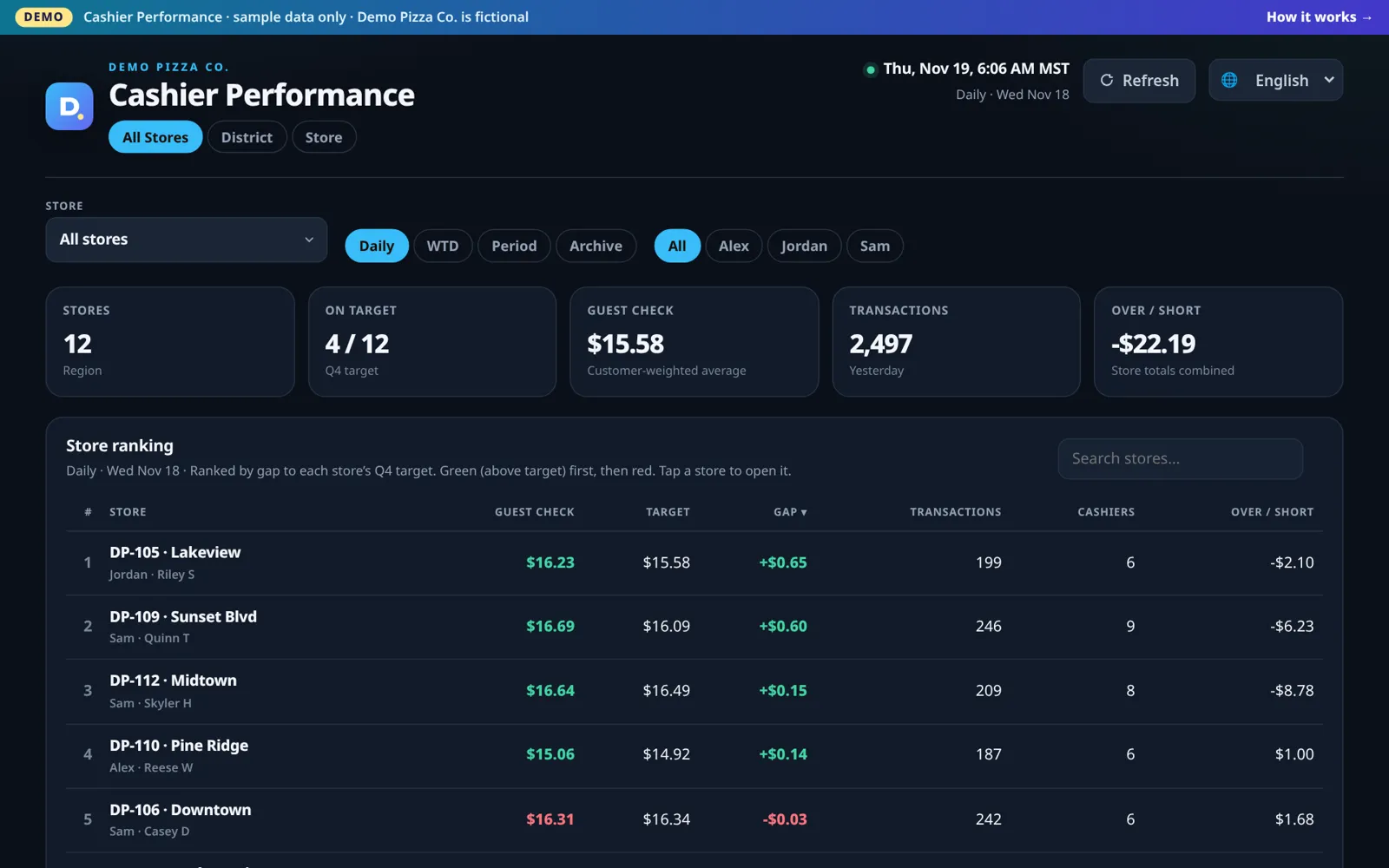
Guest check and over/short live in POS reports, one store at a time. Comparing cashiers across a district takes a spreadsheet.
Every week someone checks each store's inventory for miscounts, decides whether it needs a recount, and tracks the requests by text.


No new hardware and no big software rollout. Each app is a small web service that reads your existing systems on a schedule and shows the result on one screen.
Serverless pages and APIs with a built-in SQL database. No servers to patch.
Cron Triggers fetch POS, scheduling and inventory data at set times and retry until it is complete.
Apps that must stay on an office PC are published through an encrypted tunnel, with no open ports.
One switch translates the whole interface and the test content. The choice is remembered on each device.
Employees, GMs, DMs and admins each see only their own people and stores.
Sign-ins, results, approvals and setting changes are recorded with who and when.
Database exports and source backups are taken before any change, so a roll-back is one step.
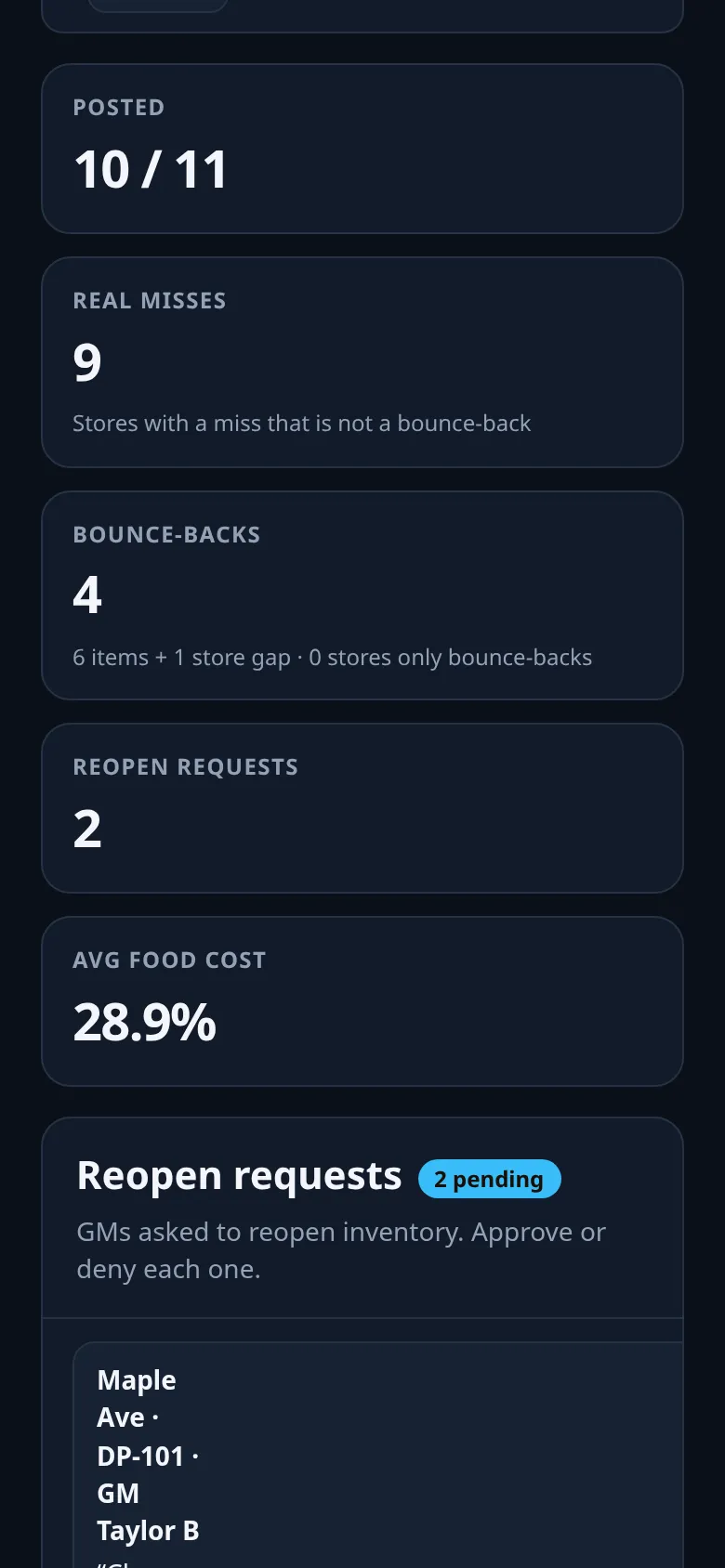
Built for managers who check numbers between rushes, on a phone.
| Task | Before | With Store Ops Suite |
|---|---|---|
| Who is trained? | Paper sign-offs and memory | Live % by store and person, with new hires assigned automatically |
| Cashier review | One POS report per store | All stores ranked against target, refreshed during the day |
| Weekly inventory check | Open every store's report and judge by eye | Stores flagged with reasons; recount requests approved in one place |
| Spanish-speaking team | English-only material | Every screen and test in both languages |
A district manager with 4 stores used to open 4 inventory reports every Monday and text each GM about recounts. With the Food Cost Board they open one page, see which stores are flagged and why, and approve or deny recount requests from there. This is a sample scenario to show the workflow, not a measured result.
Each demo runs with a fictional company, Demo Pizza Co., and made-up stores, people and numbers. Nothing you click changes real data. Use the language menu to switch to Spanish.

No password. Tap Employee, GM, DM or Admin on the sign-in screen. “Reset demo” starts over.
Open Training Hub →
Read-only. Switch Daily / WTD / Period / Archive, pick a district or tap a store.
Open Cashier demo →
Pick a district or store, open a report, and try Approve / Deny on the reopen requests (changes are simulated in your browser).
Open Food Cost demo →